Your own footage, previewed free
Choose a clip and its opening frame is restored by the same model that processes the full video. Drag the slider to compare before and after. The preview carries a watermark.
 Unblur Video
AI video restoration · free preview
Turn a blurry clip into a sharp one. See your own frame sharp before you pay.
Unblur video online with an AI restoration model. Choose a clip and its first frame is restored in seconds, free and without an account. Like the result? Unblur the whole video and download a sharper MP4 with its original audio.
Free preview, no sign-up · MP4 or MOV · up to 1080p, 30 s, 100 MB
Previewing sends one frame to our processing provider; it is not stored. Unblurring the full video uploads the clip to your account.
Before and after
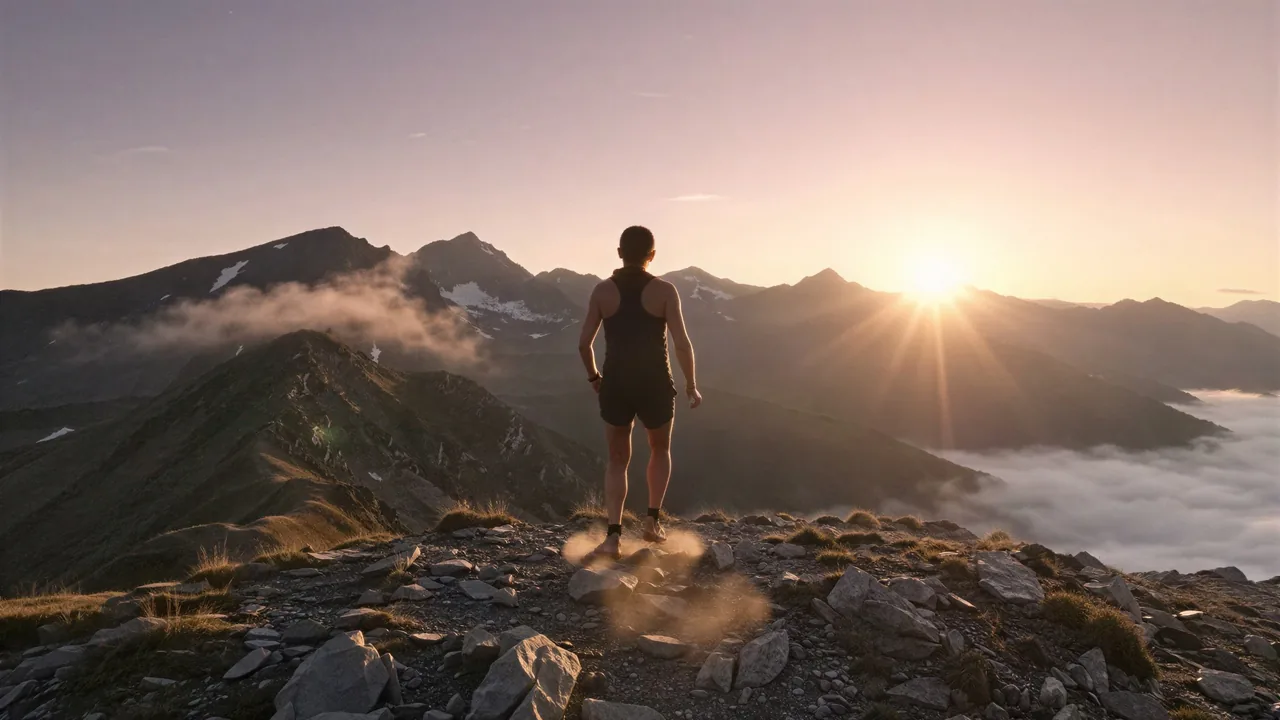
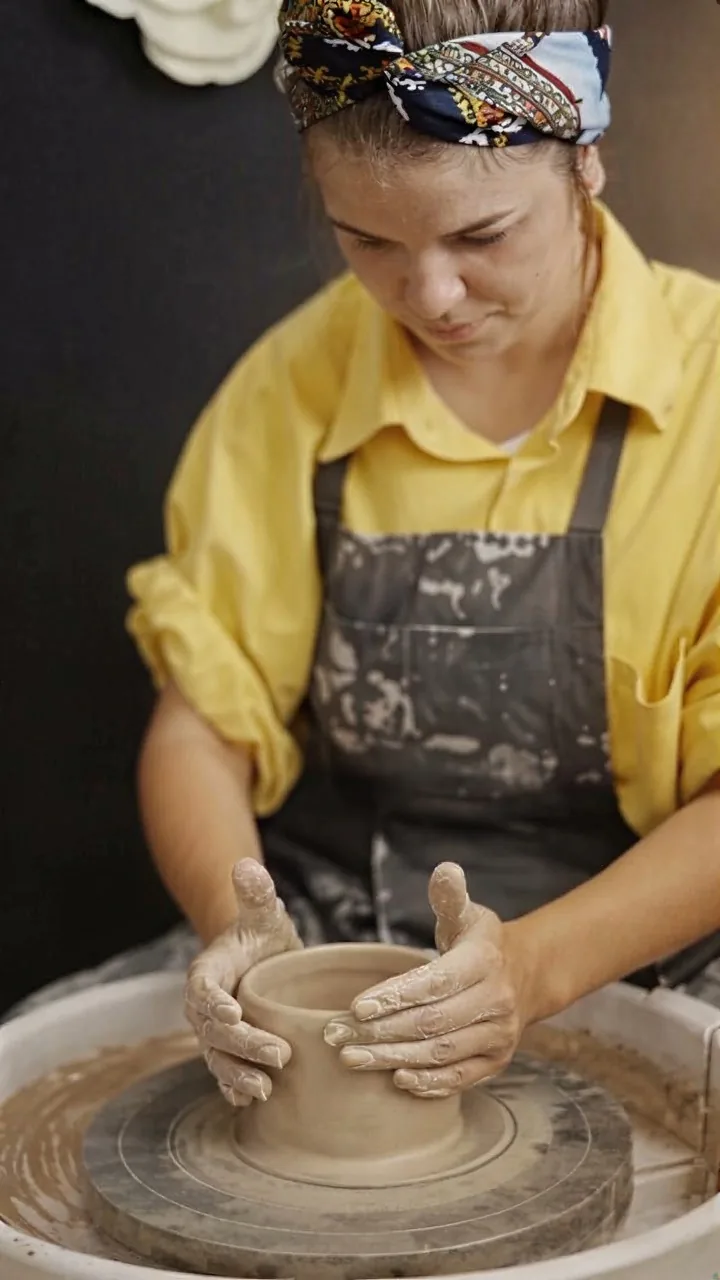
Drag each slider. These are our own sample clips, blurred for the test and then restored by the same model that processes your video. Nothing here is retouched.

How it works
MP4 or MOV, up to 1080p, 30 seconds and 100 MB. Nothing is uploaded until you pick a file.
The first frame is restored in a few seconds. Compare it with the original before you decide. The preview is free and watermarked.
Sign in, check the credit price for your clip, and start. Download the restored MP4 without a watermark when it is ready.
What you get
Unblur Video restores soft, out-of-focus and low-quality footage with an AI video restoration model. You can unblur video in the browser: choose a clip, compare a free preview frame before and after, then restore the whole clip to a sharper MP4 that keeps the original audio.
Choose a clip and its opening frame is restored by the same model that processes the full video. Drag the slider to compare before and after. The preview carries a watermark.
The model rebuilds edges and texture lost to missed focus, low resolution and heavy compression. Strong motion blur and very dark footage improve less.
The restored clip keeps its frame rate, length and audio, and is delivered one output size up: 720p, 1080p or 1440p.
Know before you upload
Most tools ask you to pay or install software before you can judge the result. Here you unblur video one free frame at a time first, so you decide with evidence from your own clip.
Pricing
The preview is free. The full clip is paid in credits per second of video, by output size. Your exact price is shown after upload and before anything is charged; credits are returned if a job fails.
Clips above 30 frames per second cost double. Up to 30 seconds per clip; 1080p and high-frame-rate clips have a shorter limit. See plans and credits
Questions
Choose your clip in the workspace at the top of this page. Its first frame is restored in a few seconds so you can compare it with the original. If the preview looks right, sign in to unblur video in full, then download the MP4.
Yes. The preview needs no account and no payment. It shows one frame of your clip, restored by the same model as the full video, and carries a watermark. Free previews are limited per visitor each day.
The preview is there to show what the model does with your footage before you pay. The restored video you download has no watermark.
It can restore detail that is soft or compressed: missed focus, low resolution, and heavy compression respond well. It rebuilds plausible detail rather than recovering the exact original, so check faces, text and small patterns. Severe motion blur and very dark footage improve less.
MP4 or MOV, up to 1920 × 1080, 60 frames per second, 30 seconds and 100 MB. Higher-resolution and higher-frame-rate clips have a shorter length limit, which the workspace shows after upload. Export 4K footage at 1080p first.
An H.264 MP4 with the same length, frame rate and audio as your clip, one output size up: clips below 720p become 720p, 720p clips become 1080p, and 1080p clips become 1440p.
In credits per second of video: 1 for 720p output, 2 for 1080p and 3 for 1440p. Clips above 30 frames per second cost double. The exact price is shown after upload and before you start. Uploading and previewing do not spend credits, and credits are returned if a job fails.
The preview takes a few seconds. A full clip takes minutes: roughly half a minute of processing per second of 720p footage, longer for 1080p. You can leave the page and find the result in your account.
The preview frame is sent to our video processing provider and is not stored by us. A clip you upload for full restoration is stored in your account so the result can be delivered, and you can delete your account data at any time.
Choose a video and compare a restored frame in seconds. It is free and needs no account.
Unblur video nowUnblur Video is an independent AI video restoration tool. Results vary with the source footage. Upload only videos you have permission to process.